What Made It? for iPhone
Evidence,
within reach.
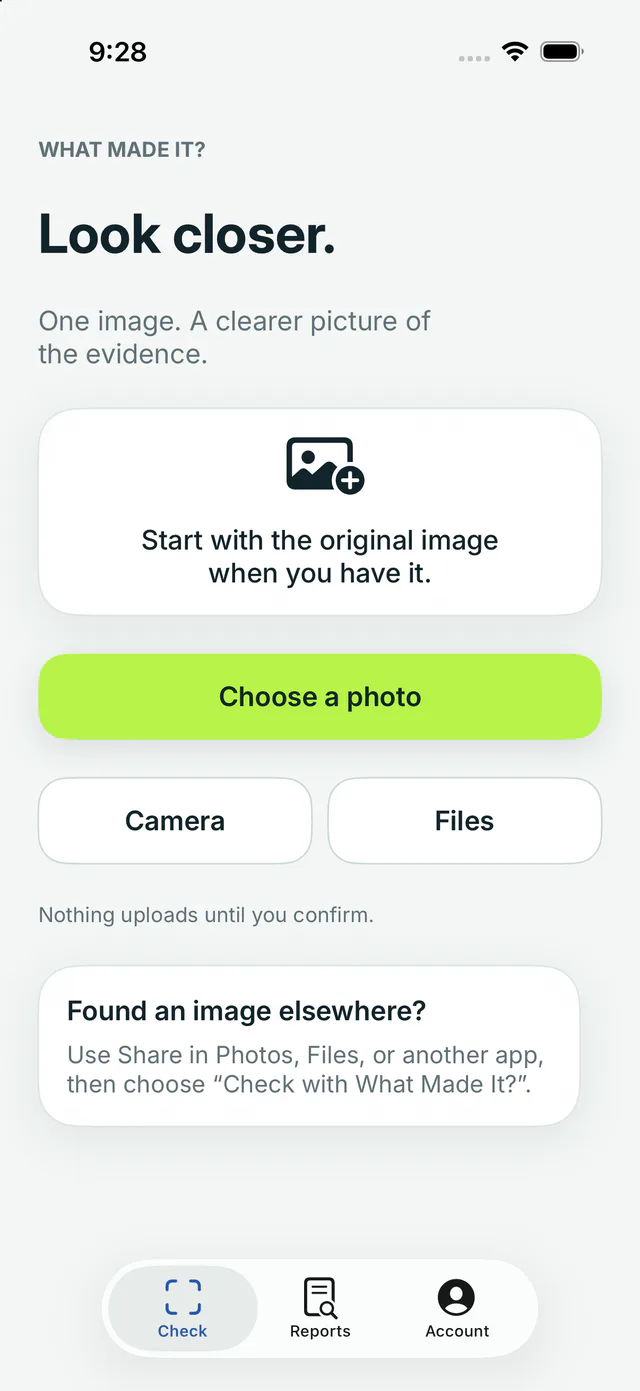
Check an image from Photos, Files, Camera, or the iOS share sheet. The report keeps its scope and limits visible, so a model signal never masquerades as proof.
- Device
- iPhone · iOS 17+
- Input
- One image at a time
- Access
- Free checks available
A bounded check
One image. Three deliberate steps.
- 01
Start with the best source
Choose the original when you have it. Screenshots and optimized copies remain clearly labelled because they carry less source-level evidence.
- 02
Confirm what leaves the phone
Review the image, processing route and data-handling terms before upload. Nothing is submitted until you confirm.
- 03
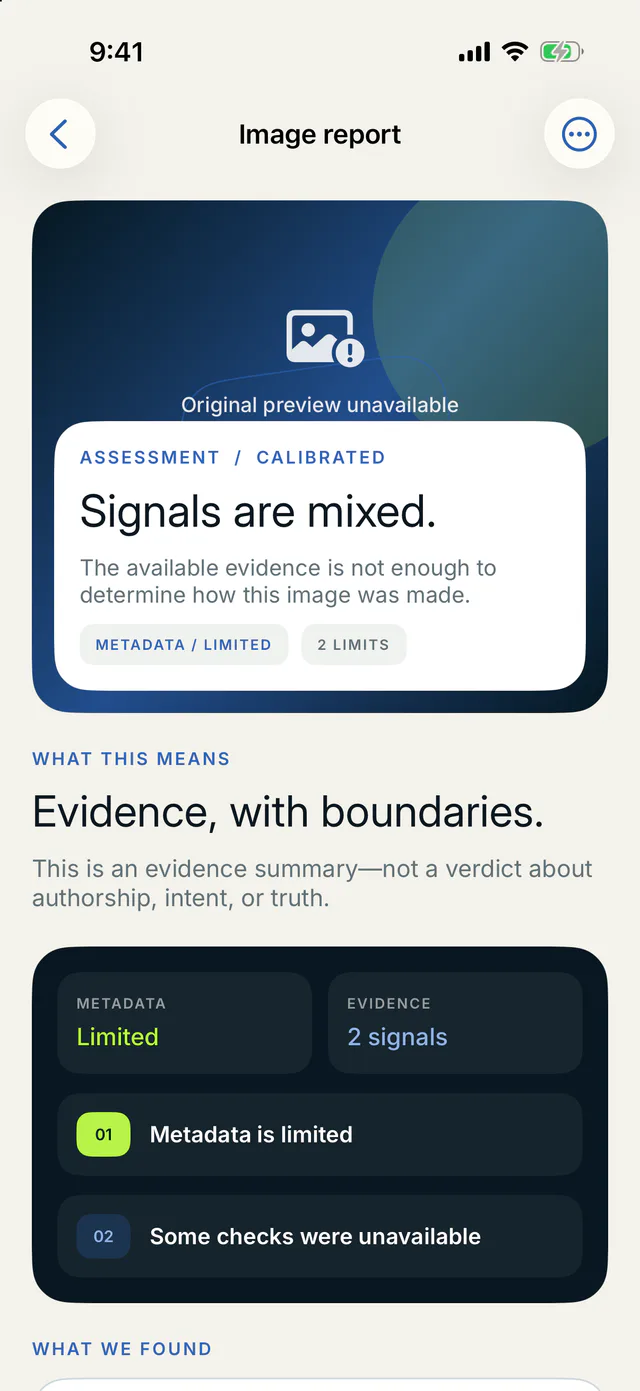
Inspect a scoped report
Read the assessment, available signals, alternative explanations and limitations. “Inconclusive” is a completed result when evidence is insufficient.
Evidence before certainty
A report that explains where it stops.
What Made It? keeps detector signals, file evidence and available provenance separate. A low model signal is not renamed “authentic,” and missing metadata is not treated as proof of AI generation.
- The checked file and evidence scope stay visible.
- Model limits and unavailable checks remain part of the result.
- Paid access changes allowance and report tools—not the conclusion.
The app does not identify people, match faces or infer sensitive traits. Accepted originals are handled under the published retention policy.
An assessment is technical evidence for one submitted image. It is not proof of authorship, intent or truth.
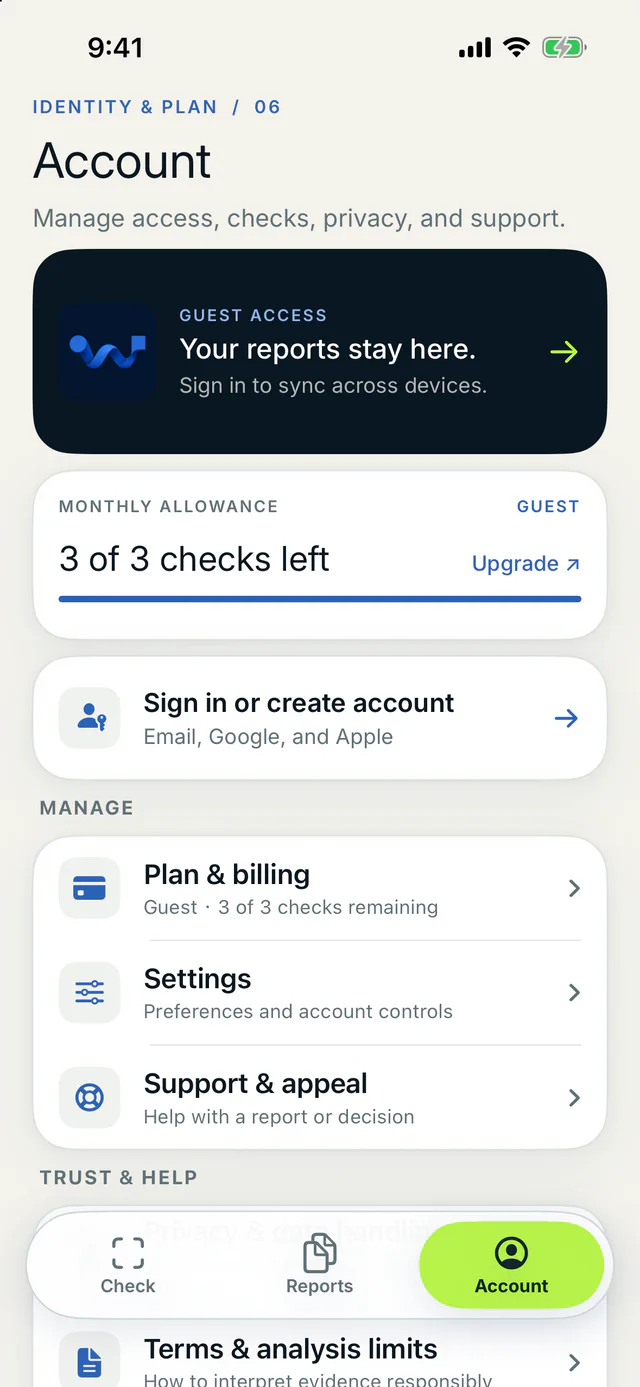
Sign in for eligible cross-device history, then delete individual reports or close the account when you choose.
Available now on iPhone
Keep an image check close at hand.
Open this page on iPhone, or scan the code from another screen. The current app interface is in English and requires an internet connection for analysis.

Before you download
A clear starting point.
What can the iPhone app check today?
The current iPhone app checks one image at a time. Choose a picture from Photos or Files, take a photo, or send an image through the iOS share sheet.
Does a result prove that an image is real or fake?
No. The report describes available model, file and provenance signals for the submitted image. It does not prove authorship, intent or whether the depicted event happened.
Do I need an account?
You can try free image checks without creating an account. Signing in lets an eligible paid account synchronize reports and use its cloud allowance across devices.
iPhone app information last reviewed .